Quick answer
Pair the device with the nearby phone first. Once local control works, check both phones’ internet connections and test the manufacturer’s invitation flow together.
What connects to what?
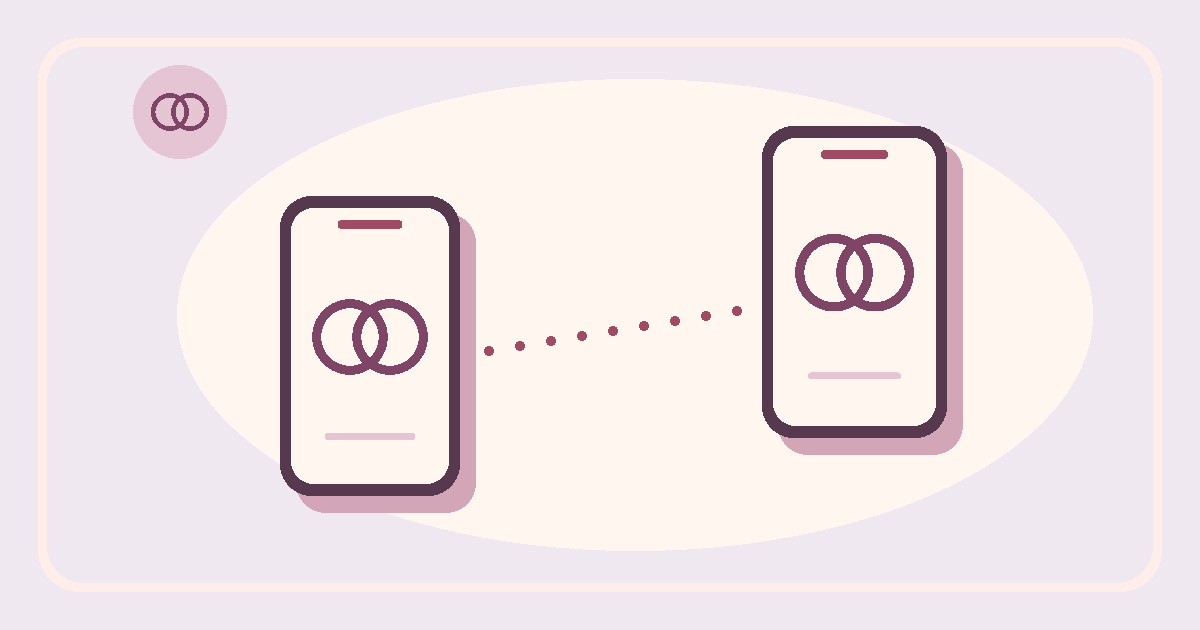
The host is the person beside the device. In the documented ENJOX workflow, the host’s phone pairs over Bluetooth and the partner joins through the internet. The connection has two distinct parts.
- Device
Bluetooth to host phone - Host phone
Internet session - Partner’s phone
What should we test first?
- Charge and power on the device. Pair in the app when the maker directs you to do so.
- Confirm the nearby phone can control the device. If it cannot, check the model’s pairing instructions and permissions.
- Once local control works, test remotely with both phones online. Identify how to end the session first.
Still shopping? Use the pre-purchase checklist. If you already have ENJOX, use the official pairing guide alongside our walkthrough.
Questions and answers
Why does only one phone need to be nearby?
The nearby phone handles the physical Bluetooth connection in the documented ENJOX example.
Which phone should I check first?
Start with the phone beside the device. Once local control works, troubleshoot the remote link.
What if we can’t find how to stop?
Pause and look up the exact model and app controls, or ask the manufacturer before trying remote control.