Quick answer
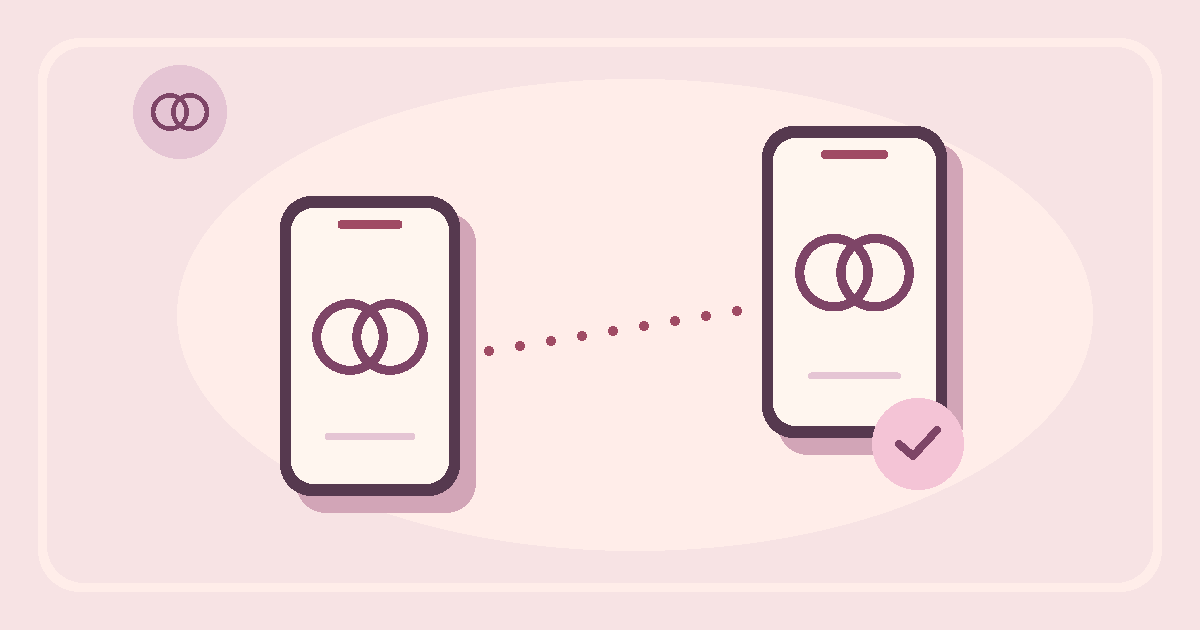
Pair in ENJOX Remote on the phone beside the device. After local control works, the host shares a new Live Control link and the partner opens it with both phones online.
Pair and test the nearby phone
Use the official app download instructions. Charge and turn on the exact model. Turn on Bluetooth and check app access using Apple’s guidance or Android’s permissions guide.
ENJOX’s pairing guide directs you to search in the app’s device screen, select your device and confirm it. Verify local control while still beside the device before trying remote access.
Send and test a fresh link
In ENJOX’s instructions, the host creates a one-time link from the Distance area. Send it privately and leave it unopened so the recipient can open it. Both people need internet. Agree on a pause signal and check how to end the session.
Example: one person pairs at home and the other tries the link from a different connection. Keep the rehearsal brief and compare what each person saw. We have yet to physically test disconnect behavior or call and control at the same time. Troubleshoot a failed step.
Run the two-phone checklist
Use the list while both people are available.
Questions and answers
Do I pair in my phone’s Bluetooth menu?
ENJOX directs owners to search inside ENJOX Remote. Bluetooth must still be on.
Who opens the link?
The receiving partner opens it. ENJOX says the sender should leave the one-time link unopened.
Will it work during a video call?
Try it on your exact phones first. Keep a call-only fallback.